AI training for
Property, Architecture and Construction
Long documents, handled, from brief to handover.
Planning statements, tender responses, specifications, RFIs, progress reports, lease summaries. Most are assembled from material you already have. That is the work we build the day around.
Tell us what is holding the business back. We’ll tell you what we would do about it, and whether it is worth doing.
Why this sector
How AI training works for property, architecture and construction teams
A bid team leaves with a tender-response workflow on your own credentials. A project team leaves with reporting and RFI workflows in the templates the client already sees. A property manager leaves with lease and service-charge summaries that used to take an afternoon.
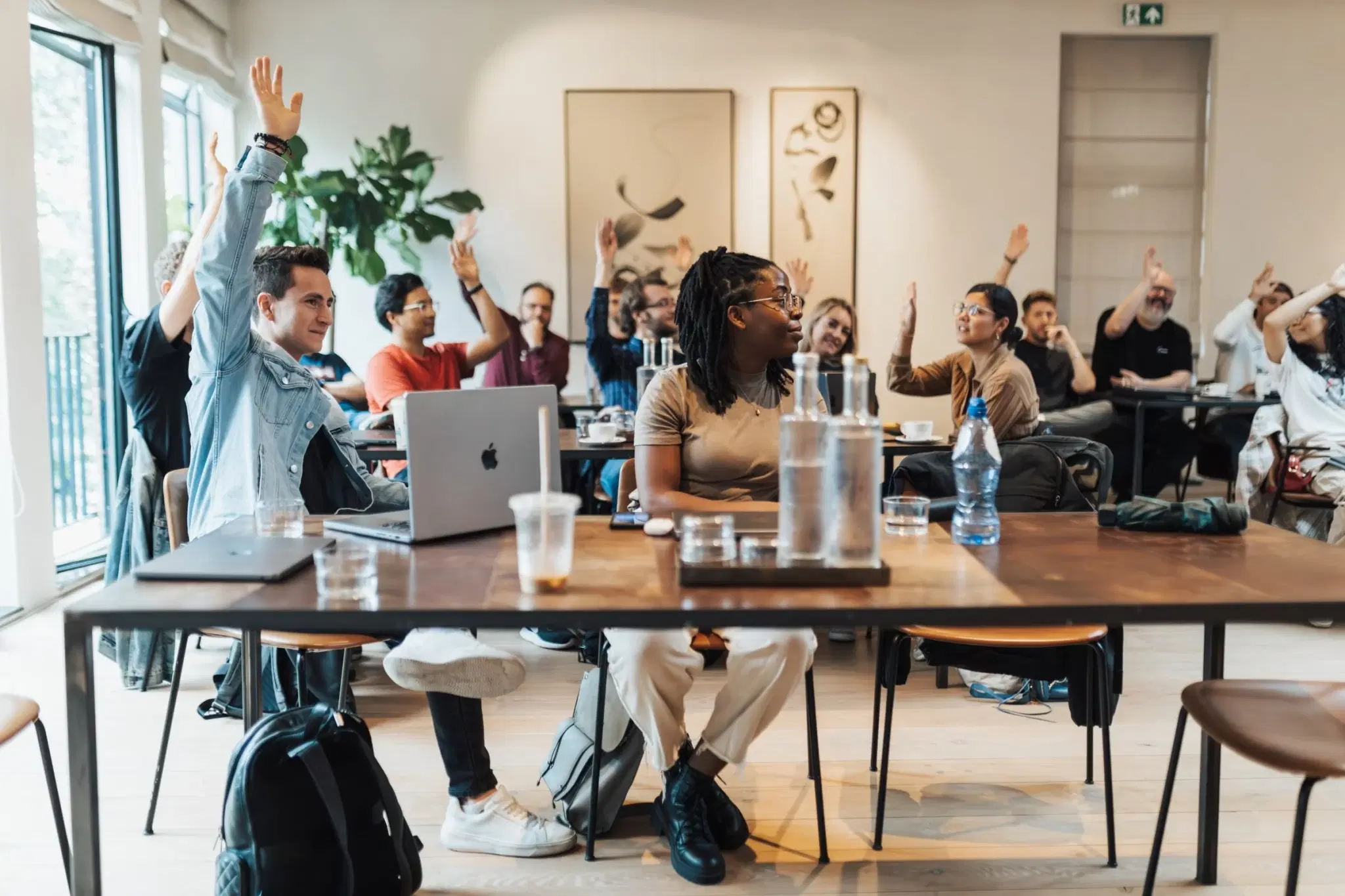
Office and site roles can train together, and remote colleagues join live.
Functions we build for
- Bid, pre-construction and business development
- Project and site management
- Design and technical teams
- Property and asset management
- Finance, commercial and operations
What we train on
Workflows built on the documents your week already contains.
Tender and PQQ responses drafted from the approved credentials bank, tailored to the client’s evaluation criteria
Planning statements, design and access statements and consultation summaries structured from the technical inputs
Progress reports, RFIs and meeting minutes written up the same day in the project template
Specification and contract clause summaries with the questions for the commercial team listed
Lease, licence and service-charge summaries for property managers, in a consistent format
Stakeholder and resident communications drafted in the organisation’s tone and reviewed once
Snagging, defects and handover documentation assembled from site notes and photographs
The shape of a typical day. Yours is built from a survey of the people attending.
Built around your rules
The guardrails a session in this sector is designed around.
- Client and commercially sensitive information
- Tender pricing, client data and unreleased schemes: what may enter a tool and under which tenancy.
- Contractual and professional responsibility
- Drafted technical content is a first draft. The professional who signs still checks it, and the workflow shows where.
- Health and safety documentation
- Where an assistant helps assemble RAMS or reports, the competent person’s review stays in place and stays recorded.
- Planning and public material
- Anything that will be published or submitted is reviewed by the named author before it leaves.
Not legal or regulatory advice: the frameworks we agree the day around with your compliance, legal or data owner, written on one page.
Tools in play
Taught inside the tools this sector already uses.
- Copilot
- ChatGPT




- Word
- Excel
- Outlook
- Teams




Product names and logos belong to their owners. AIforCompanies is independent and not affiliated with or endorsed by any vendor.
Training formats
A day for your team. A programme for your organisation.
Team workshop
One practical day focused on your team’s own tasks. Built around a short call and a participant survey.
Organisation programme
Training across teams, delivered in cohorts. Sessions tailored to different roles, with leadership and champion support where needed.
Leadership and champion sessions are available alongside either format.
At your offices or our London offices in Wembley.
A clear price before you commit.
Priced per workshop or programme, based on team size and preparation.
If your team tells us on the day it wasn't useful, we don't invoice.
For one person, or a few of you:join an open session
Questions
Questions we expect from property, architecture and construction teams.
- Can you run a session for people who are mostly on site?
- Yes. Sessions run at your office, and remote colleagues join live. For a site-heavy organisation we build the workflows around phone and tablet use where the assistant supports it, and the follow-up sessions can run online.
- We use specialist software for design and project management. Does this still apply?
- The session covers the assistant your organisation has licensed and the everyday applications around it: Word, Excel, Outlook, Teams. We do not train on specialist design or project tools, and we will say so on the scoping call.
- How technical does the group need to be?
- Not at all. If someone can write an email and open a spreadsheet, they can do this.
Further reading
Free to read.
Adoption
AI training for employees: what works, and why most of it fades
8 min read
Prompts
Prompts your team will actually reuse: a structure, not a list
6 min read
Tools
Rolling out Microsoft 365 Copilot: a plan for the first ninety days
8 min read
Twenty five prompts your team can use todayThe policy template and the week four review sheet
Other sectors
Start here
Talk to us about your team.
Book a call and we will suggest a useful place to start.
- No preparation needed
- Solutions, training, or not sure yet
- A short written summary afterwards